 You’ve probably spent time building a LinkedIn profile, and there’s a good chance you’ve also got a folder somewhere, physical or digital, of certificates and transcripts you occasionally have to dig up for a job application. There’s already a government-verified version of most of that sitting in your MySkillsFuture account, and there’s a fair chance you’ve never opened it.
This article explains what the SkillsFuture Skills Passport actually is, what’s inside it, how the verification works, and how to put it to use rather than letting it sit untouched.
Quick Summary: What Is SkillsFuture Skills Passport?
Short on time? Here’s what you need to know.
- What it is: officially called the Careers & Skills Passport (CSP), a free, government-run digital record of your skills, employment history, academic qualifications, and professional certifications, accessed through MySkillsFuture with Singpass.
- What’s new: launched in November 2024, the CSP replaced and expanded on the older “Skills Passport” some people may remember from 2019.
- Verified vs self-declared: entries pulled from government sources (CPF employment records, MOE-linked education, SkillsFuture-approved training) carry a verified tick; you can also add your own self-declared entries.
- What it’s actually for: reviewing your own record, sharing a verified profile link with employers or job portals, and getting course or career recommendations through its Insights feature.
- Your data stays private by default; nothing is shared without your consent.
What Is the SkillsFuture Skills Passport?
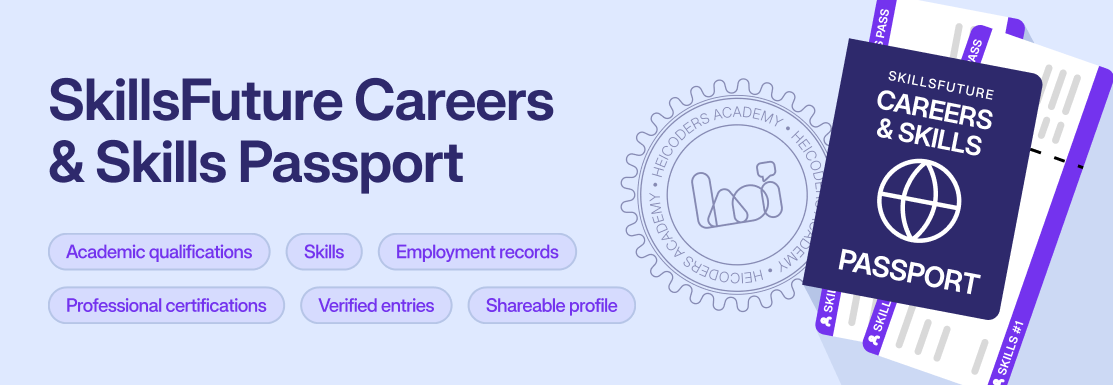
The SkillsFuture Skills Passport most people search for today is officially called the Careers & Skills Passport, or CSP. It’s a free, personal digital repository that consolidates skills, employment history, academic qualifications, and professional certifications in one place, accessed through MySkillsFuture and logged into with Singpass.
If the name sounds familiar from a few years back, that’s because it is, sort of. SkillsFuture Singapore first launched a “Skills Passport” in 2019, built on blockchain-based digital certificates called OpenCerts. The CSP, launched in November 2024, replaced that earlier version and expanded it significantly, adding employment records, more qualification types, and a shareable profile, while carrying over its verified-certificate features. If an older article only mentions “Skills Passport,” it’s describing the predecessor to what’s there today.
Why the Careers & Skills Passport Actually Matters
For individuals, the appeal is straightforward: one place that holds a verified version of work and education history, rather than reconstructing it from memory every time an employer or a new opportunity asks. For employers, verified records reduce the friction and fraud risk of relying on self-reported qualifications, since a tick-marked entry has already been checked against a government source rather than taken on trust. That’s also the reason the CSP exists in the first place: it grew out of a broader push to reduce paperwork and verification friction across Singapore’s training and hiring ecosystem, building on the OpenCerts infrastructure first introduced in 2019.
What’s Actually Inside Your Careers & Skills Passport
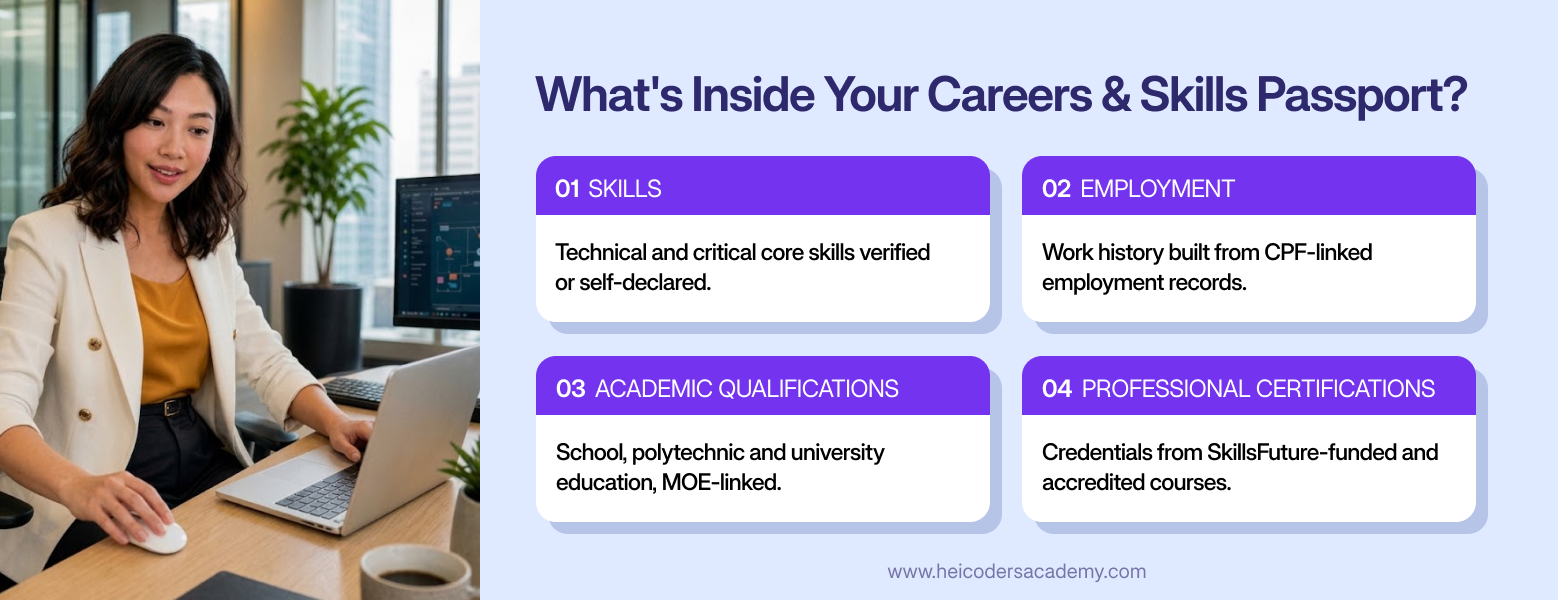
The CSP dashboard is organised around a few core sections. Skills gives an overview of technical skills and softer “critical core skills,” some verified through formal training and others self-declared. Employment draws on CPF-linked work history to build a record of past roles. Academic Qualifications covers school, polytechnic, and university-level education from MOE-linked institutions. Professional Certifications lists credentials from SkillsFuture-funded courses and other recognised government or accredited sources, a category that’s been expanding since 2025.
 The government has also been widening the list of partnering organisations that feed into these records, including agencies like the Civil Service College, the Ministry of Home Affairs, and the Singapore Examinations and Assessment Board, alongside online job portals that can connect to a verified profile.
Beyond the four record types, an Insights section uses the profile to suggest relevant courses and career paths, intended to help identify skill gaps before deciding to invest time and money into closing them.
Verified vs Self-Declared: What’s the Difference
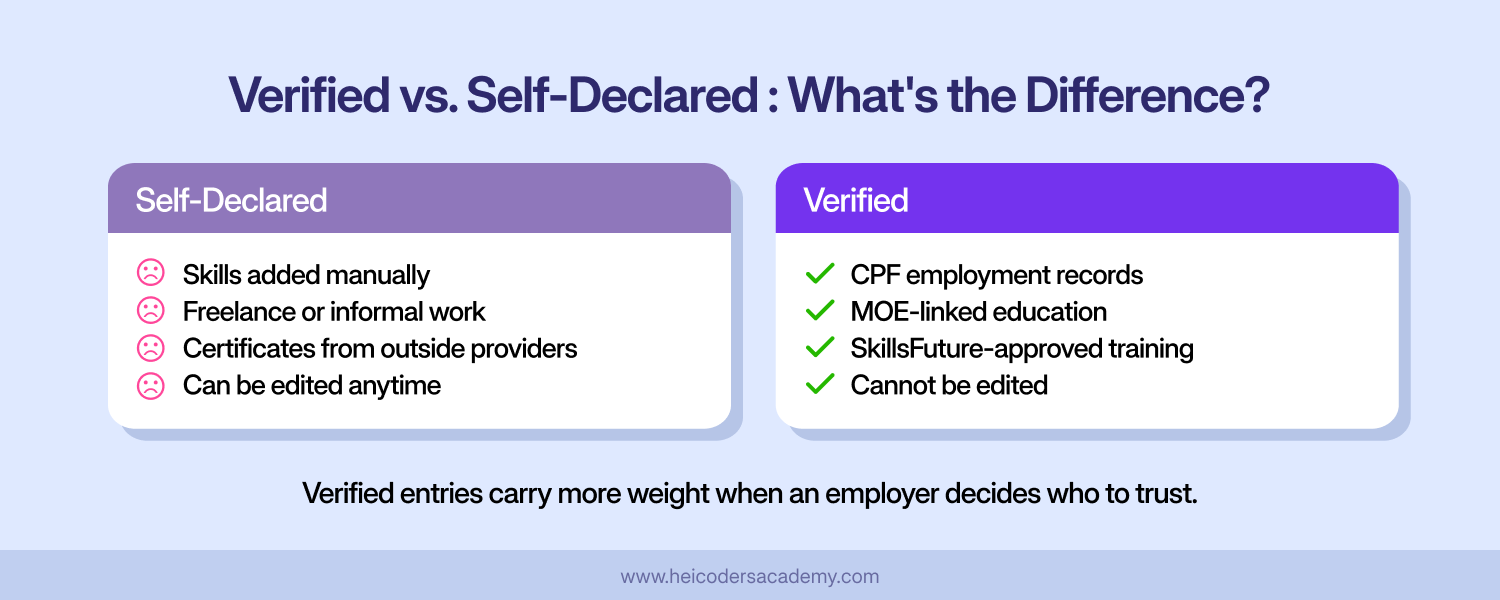
Not everything in the CSP carries the same weight, and the platform is deliberately transparent about this. Records with a verified tick mark are pulled directly from government-verified sources, CPF employment history, MOE-linked academic records, or training records from SkillsFuture-approved providers, and can’t be edited, since they represent an official record rather than a claim.
Everything else is self-declared: skills added manually, freelance experience, or certificates from providers outside the verified pipeline uploaded by choice. Self-declared entries are still useful, particularly for skills picked up outside formal training, but they carry less weight than a verified record if an employer is deciding who to trust.
How to Access and Set Up Your Careers & Skills Passport
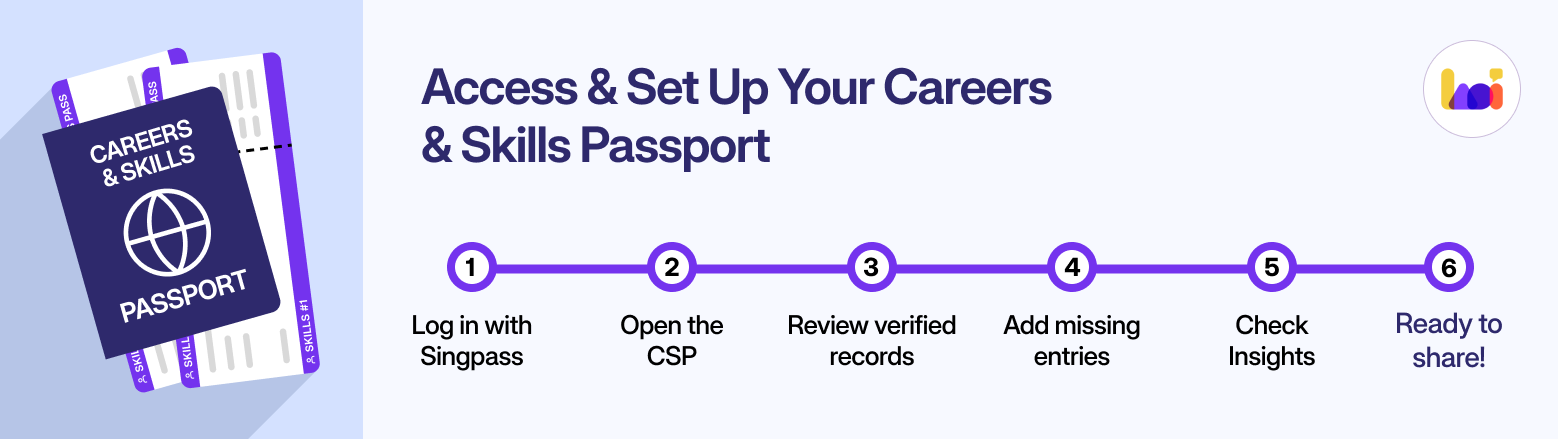
Getting into the CSP takes a few minutes:
- Go to the MySkillsFuture portal and log in with Singpass.
- From the dashboard, select “Careers & Skills Passport.”
- Review what’s already there. Verified records populate automatically, so it’s common to see past employment or qualifications that were forgotten.
- Add anything missing. Self-declare additional skills, upload extra certificates, or fill in freelance or informal experience government records wouldn’t capture.
- Check the Insights tab for course and career suggestions based on what’s now in the profile.
Most of the setup is instant, since the verified data is already there waiting. The real work is reviewing it and deciding what else is worth adding.
How to Actually Use It
The CSP is more useful as an active tool than a static record. Its shareable profile, disabled by default, can be switched on to generate a link that stays under the user’s control, allowing a verified summary of their background to be shared with an employer or connected to an online job portal, such as JobStreet, instead of manually compiling a CV from scratch each time. That link can be revoked or regenerated at any point, so sharing it isn’t permanent.
A practical example: someone applying for a role through a connected job portal can link their verified CSP profile instead of re-typing every past role and qualification into a new application form. The employer sees entries that are already tick-marked as verified, which does some of the credibility work a cover letter or unverified resume line would otherwise have to do on its own.
The Insights feature is worth checking periodically rather than once. As the verified record grows, its course and career suggestions update with it, which makes it a reasonable starting point when deciding what to learn next, even if the final decision draws on more than one source. For a broader look at what’s actually worth learning right now, see our guide to the most valuable skills to gain from a SkillsFuture course in 2026.
It’s also simply useful as a record-keeping habit. If a completed course, a new role, or a professional certification should show up and doesn’t, that’s worth checking on directly rather than assuming the gap is intentional.
Frequently Asked Questions About SkillsFuture Skills Passport
Is the SkillsFuture Skills Passport free to use?
Yes. The Careers & Skills Passport is a free government service, accessed through MySkillsFuture with Singpass, at no cost.
Is my data in the Careers & Skills Passport shared with anyone?
No, not without consent. CSP data isn't shared with third parties unless a user actively chooses to share it, for example by enabling their shareable profile link.
How is the Careers & Skills Passport different from LinkedIn?
LinkedIn is a self-reported professional network built and edited by the user. The CSP pulls verified records directly from government sources like CPF employment history and MOE-linked education, alongside anything self-declared, so it carries a level of verification LinkedIn doesn't.
Will completing a course add a verified record to my Careers & Skills Passport?
SkillsFuture-funded and other government-recognised courses generally appear as verified Professional Certifications once completed. Coverage has been expanding since 2025, so if a completed course doesn't appear, it's worth checking with the training provider or MySkillsFuture directly.
Can I download my certificates from the Careers & Skills Passport?
Yes. Verified certificates can be downloaded from the CSP as OpenCert PDF files, which can also be independently verified through opencerts.io if needed.
What if a verified record is wrong or I don't recognise it?
Verified entries can't be edited directly, since they're pulled from official sources rather than self-reported, but incorrect or unrecognised records should be raised with the issuing training provider or institution, or through MySkillsFuture's own enquiry channel, rather than left as is.
Do I need to update my Careers & Skills Passport manually?
Verified records update automatically as new government-linked data becomes available, such as a new SkillsFuture-funded course or a CPF-recorded job change. Self-declared entries, such as freelance work or informal skills, need to be added manually and won't appear on their own.
Is the Careers & Skills Passport the same as the Skills Passport from a few years ago?
Not exactly. The CSP, launched in November 2024, replaced the earlier Skills Passport from 2019 and added employment records, more qualification types, and a shareable profile, while carrying over its verified-certificate features.
The Bottom Line
The Careers & Skills Passport is one of those government services that’s genuinely useful and easy to forget exists, since nobody has to open it for anything to keep working in the background. Given that it’s free, already partly filled in, and takes a few minutes to review, checking it at least once, and revisiting it whenever a course, certification, or job change should show up, is a low-effort way to keep a verified record of a career on hand.
Any SkillsFuture-eligible course completed, including WSQ-certified programmes like Heicoders Academy’s, generally becomes a verified Professional Certification in the Careers & Skills Passport once it’s processed.