Last updated: 21 October 2026
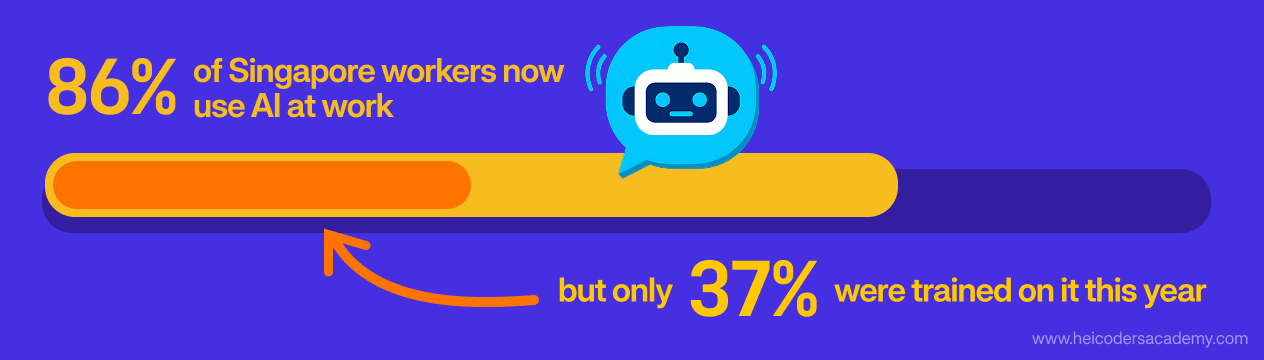
Most of your colleagues are probably already using AI at work. Far fewer have been shown how to use it well. In Singapore, around 86% of workers now use AI at work, but only 37% attended AI-related training in the past 12 months (IMDA Singapore Digital Economy Report, 2026).
That gap lands on HR’s desk. Staff are experimenting on their own, managers are asking for “AI training”, and it’s not always clear what that should mean for each role.
This guide shows you how to plan AI training for your team in six practical steps. You’ll learn how to find out where your team stands today, decide who needs which skills, set sensible guardrails, and measure whether the training made a difference, with examples from organisations in Singapore along the way.
Why AI Training Needs a Plan, Not Just a Course
Sending everyone to the same AI course feels like progress, but it rarely sticks. A finance analyst, a recruiter and a marketing executive use AI for very different tasks, and generic training leaves each of them guessing how it applies to their work.
The demand for structured training is clear. In IMDA’s 2026 report, around 68% of workers said they needed to upskill or reskill in AI, while far fewer had attended any training. Employers feel it too: AI literacy ranked among the two hardest-to-find skills in Singapore in ManpowerGroup’s 2026 Talent Shortage Survey, cited by 25% of employers.
A plan helps you spend your training budget where it changes how work gets done. It also gives you a way to show leadership what the training achieved.
Step 1: Map How Your Team Uses AI Today
Start by finding out what’s already happening. Many staff use AI tools informally, and you can’t plan training without knowing which tools, for which tasks, and how confidently.
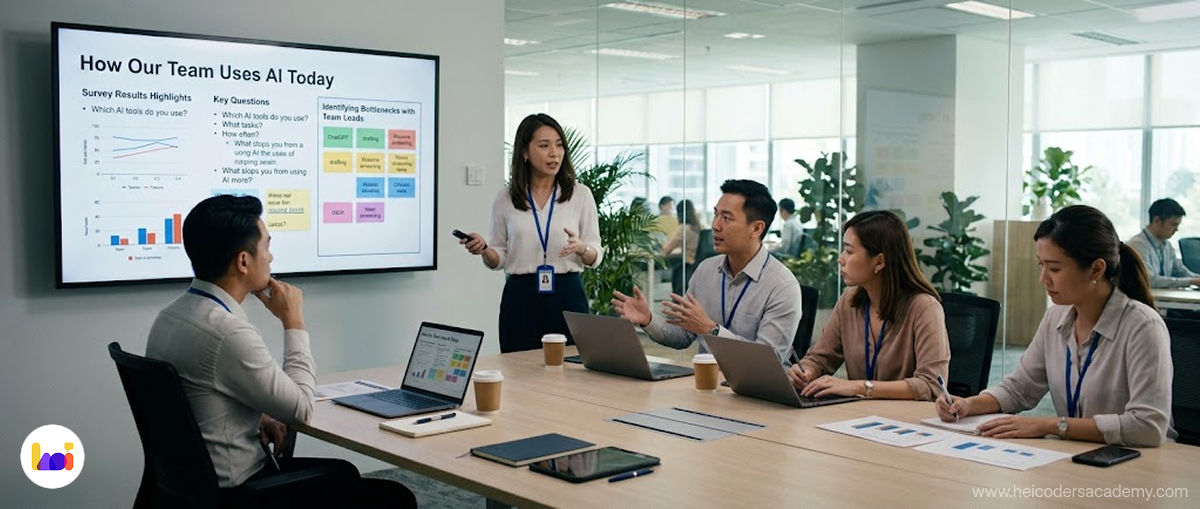
A short anonymous survey works well. Keep it to five or six questions so people answer honestly and quickly.
| Survey question | Why it matters |
|---|---|
| Which AI tools do you use for work, if any? | Shows which tools are already in use, approved or not |
| What tasks do you use them for? | Reveals where AI is already adding value |
| How often do you use AI at work? | Separates regular users from occasional ones |
| How confident are you in checking AI outputs for errors? | Highlights risk and training needs |
| Which tasks take up the most time in your week? | Points to workflows worth improving |
| What stops you from using AI more? | Uncovers barriers such as policy, access or confidence |
Combine the results with a quick conversation with each team lead. Managers often know which tasks are bottlenecks, even when staff don’t mention them.
Step 2: Identify the Workflows Where AI Can Help Most
Not every task is a good fit for AI. A simple way to prioritise is to look at each task twice.
First, rank tasks by value and frequency. Tasks that happen often and take real time are where training pays off fastest.
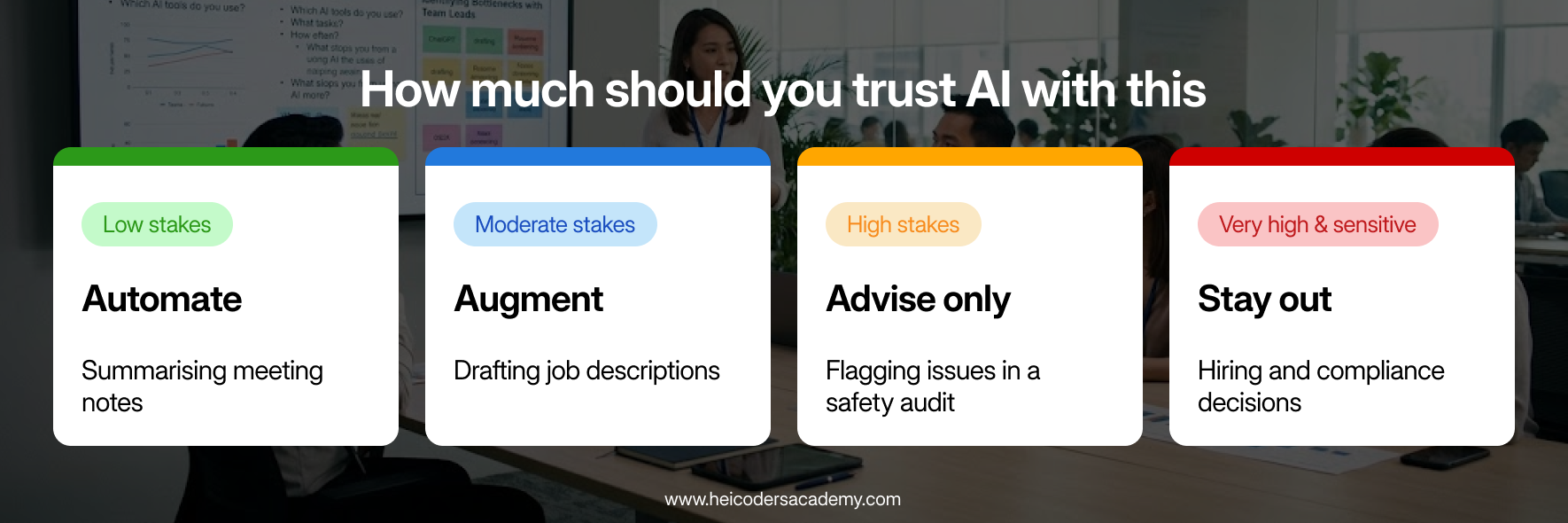
Then, decide AI’s role by stakes and reversibility. The higher the stakes and the harder a mistake is to undo, the more human control the task needs.
| Stakes and reversibility | AI’s role | Example |
|---|---|---|
| Low stakes, easy to correct | Automate | Summarising internal meeting notes |
| Moderate stakes, easy to review | Augment | Drafting job descriptions for a person to edit |
| High stakes, hard to reverse | Advise only | Flagging issues in a safety audit for an expert to assess |
| Very high stakes or sensitive | Stay out | Final decisions on hiring, discipline or compliance breaches |
This is the framework we use in leadership workshops to help senior teams decide where AI should and shouldn’t sit in their operations.
Here are examples of common starting points by function:
| Function | Workflow where AI can help | What staff still need to check |
|---|---|---|
| Finance | Drafting variance commentary for monthly reports | Figures, assumptions and explanations |
| HR | Writing first drafts of job descriptions and policy FAQs | Accuracy, tone and compliance with company policy |
| Marketing | Creating first drafts of campaign copy and content outlines | Brand voice, claims and factual accuracy |
| Operations | Summarising meeting notes and drafting SOPs | Completeness and correct process steps |
Pick two or three workflows per team to focus on first. Training built around real tasks is easier to apply, and the results are easier to measure.
For ready-made examples, our guides to AI prompts for operations and project management professionals and AI prompts for marketing and comms professionals show what this looks like in practice.
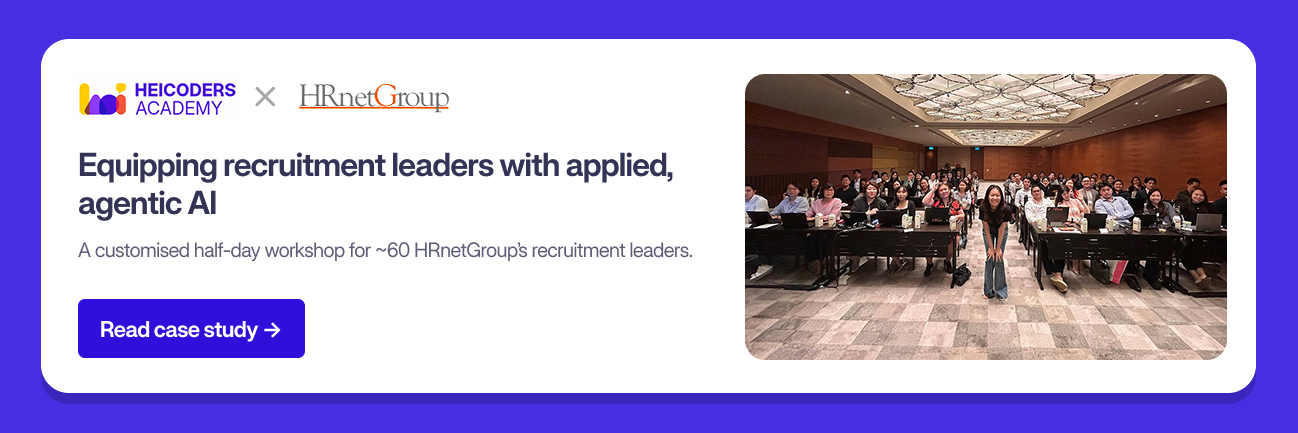
In practice: In a half-day workshop for around 60 of HRnetGroup’s recruitment leaders, every exercise was built on recruitment tasks such as candidate outreach and job descriptions, so participants practised on their own work.
Step 3: Define Skill Levels for Different Roles
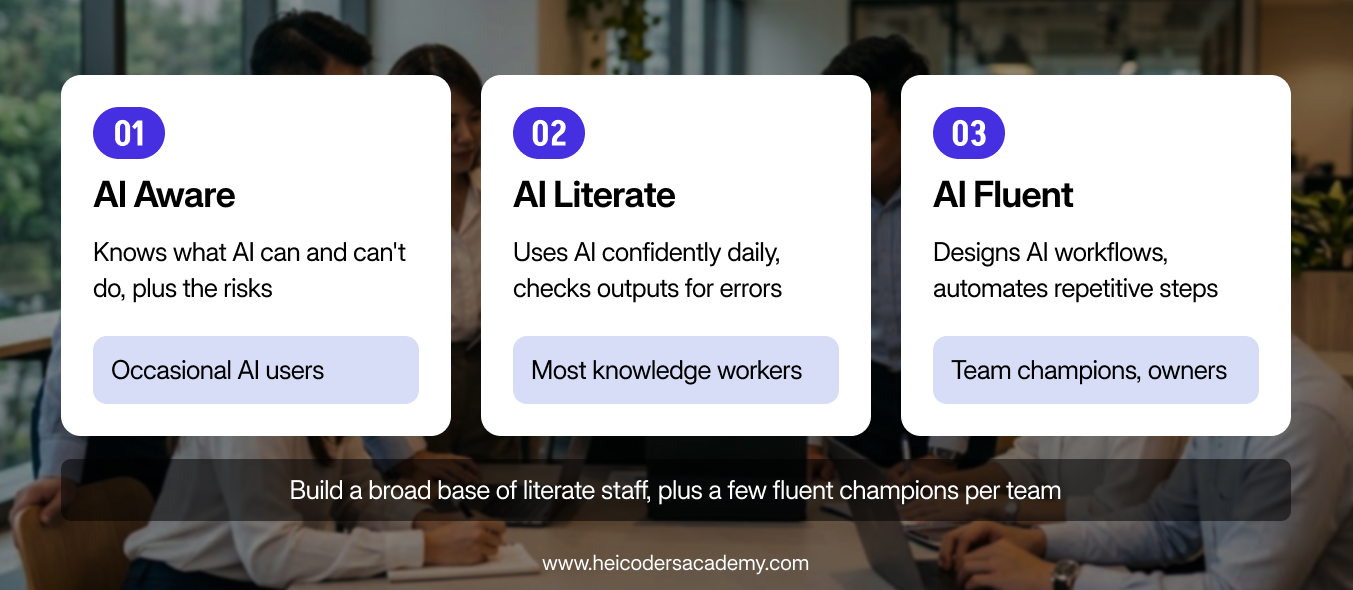
Not everyone needs the same depth of AI skills. A simple three-level model helps you match training to each role:
- AI aware: understands what AI tools can and can’t do, and the basic risks. Suitable for staff who use AI occasionally.
- AI literate: uses AI confidently for everyday tasks, writes clear prompts, and checks outputs for errors. Suitable for most knowledge workers.
- AI fluent: designs AI-assisted workflows, automates repetitive steps and helps colleagues adopt new tools. Suitable for team champions and process owners.
These levels match the terms used in Singapore’s national AI readiness self-assessment on MySkillsFuture. Staff can use that tool to get a sense of where they stand before training.
Most teams need a broad base of AI-literate staff and a small group of AI-fluent champions in each department. Leaders also benefit from understanding governance and risk, even if they use AI tools less often themselves.
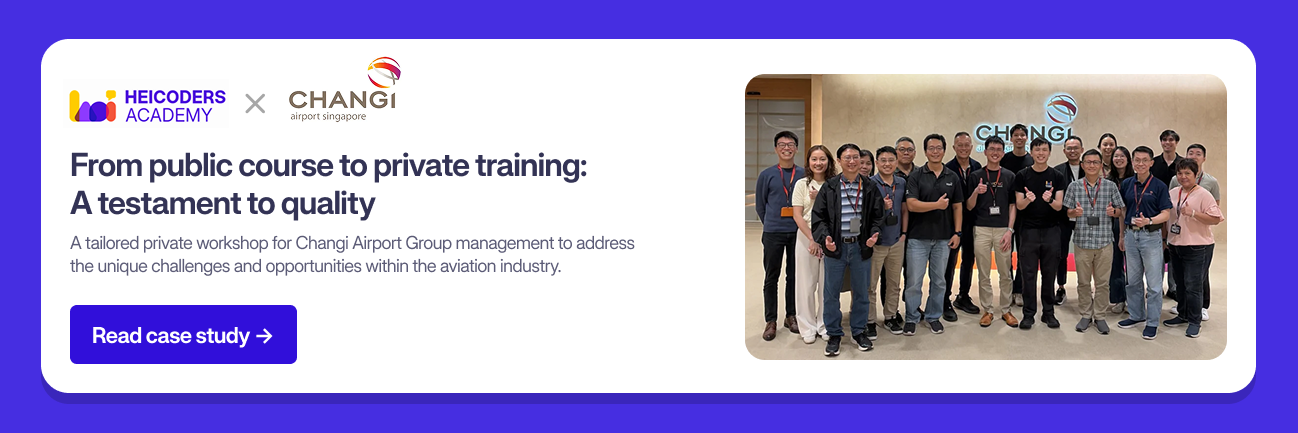
In practice: Changi Airport Group started with a workshop for around 50 managers, then extended training to wider staff, who went on to build tools for airport operations.
Step 4: Set Guardrails Before You Train
Training without clear rules can increase risk, because staff become more confident without knowing the boundaries. Agree on a few basics before the first session:
- Approved tools: which AI tools staff can use for work, and which accounts or licences to use.
- Data rules: what information must never be entered into an AI tool, such as personal data, client details or confidential financials. Align this with your obligations under the Personal Data Protection Act (PDPA).
- Review requirements: which outputs must be checked by a person before they’re used or shared.
- Where to ask questions: who staff should contact when they’re unsure.
Keep the guidelines short and practical. A one-page policy that people read is more useful than a long document that nobody opens.
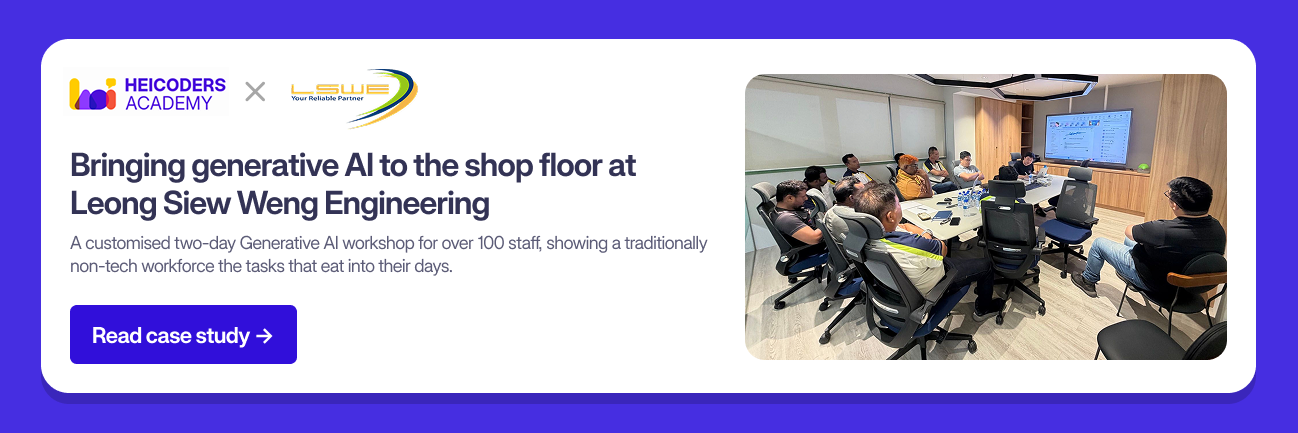
In practice: At Leong Siew Weng Engineering, training for more than 100 staff included how to keep people in the loop on anything touching safety or compliance.
Step 5: Choose the Right Training Format
The right format depends on the skill level you’re targeting and how much time your team can give. Here’s how common formats compare:
| Format | Best for | Trade-offs |
|---|---|---|
| Self-paced online modules | Building AI awareness across large groups | Low completion rates without follow-up; little practice on real tasks |
| Short workshops | Introducing specific tools or use cases | Limited time to practise; skills can fade without reinforcement |
| Structured instructor-led courses | Building AI literacy and fluency through hands-on projects | Needs a bigger time commitment from staff |
| Internal champions programme | Sustaining adoption after formal training | Depends on having trained, motivated champions |
Many organisations combine formats: online modules for awareness, a structured course for core users, and champions to keep momentum going.
When you compare training providers, ask these questions:
- Does the training use realistic workplace tasks, or only generic demos?
- Are the instructors practitioners who use AI in their own work?
- Does it cover how to check outputs and manage risks such as inaccuracies and data leaks?
- Is there an assessment, so you can confirm skills were actually built?
- Can the content be adapted to your team’s tools and workflows?
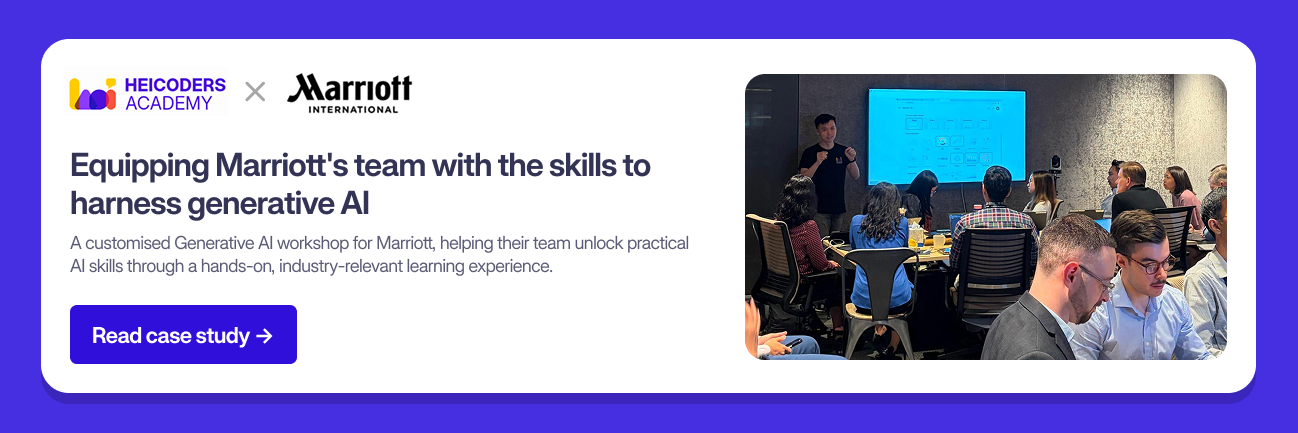
In practice: Marriott International found off-the-shelf courses didn’t reflect hospitality work, so its workshop for more than 45 staff was co-developed around its own use cases.
Step 6: Measure What Changes After Training
Measuring impact helps you justify the investment and decide what to train next. Focus on a few simple indicators rather than a complex scorecard:
- Adoption: the share of staff using approved AI tools at least weekly.
- Time on selected tasks: how long the workflows you chose in Step 2 take before and after training.
- Quality: the number of errors or rework cycles on AI-assisted outputs.
- Confidence: staff ratings of their own confidence, using the same survey as Step 1.
Check in at 30, 60 and 90 days after training. Results vary by team and task, so compare each team against its own starting point rather than against other departments. Then plan the next stage so it builds on the skills from the first.
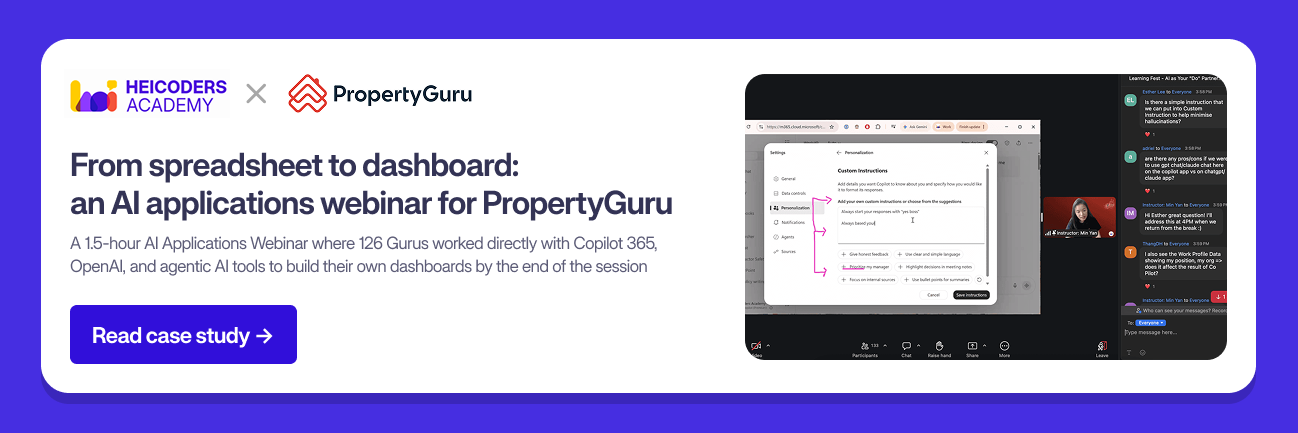
In practice: PropertyGuru followed a prompt engineering webinar with a longer, hands-on session where 126 staff built their own dashboards with AI.
Real Example: How Sembcorp Industries Phased Its AI Training
Sembcorp Industries is a good example of AI training planned in stages rather than as a one-off event. Over three months in 2026, it ran three engagements with Heicoders Academy, each building on the last.
| Phase | When | Who | Focus |
|---|---|---|---|
| Foundation | June 2026 | 20 staff from across the business | Prompt engineering, AI agents and designing AI workflows around well-structured processes |
| Applied | July 2026 | A second cohort of 25 staff | Moving from occasional, ad hoc use to building working tools for real workflows |
| Leadership | August 2026 | 100+ senior leaders of the Gas Related & Services business, including the CEO and C-suite | The business case for AI, a framework for deciding AI’s role in each task, and governance |
Each phase built on the one before. By the second run, most participants already had access to AI tools, so the gap was no longer awareness but making AI part of their actual work. Participants built working tools for real operational needs, including an inspection and audit tool for health, safety, security and environment (HSSE) workflows.
The leadership session then gave senior leaders a shared framework for deciding where AI belongs. That made it easier to support wider adoption across teams.
There are three lessons for HR managers planning their own programme:
- Start somewhere, then build. You don’t need to train everyone at once. Each phase gives you evidence and examples for the next.
- Raise the bar as skills grow. Later cohorts can take on more ambitious projects. Repeating the same content wastes their time.
- Anchor projects to real needs. Tools built for genuine workflows, like the HSSE inspection tool, are more likely to be used after training ends.
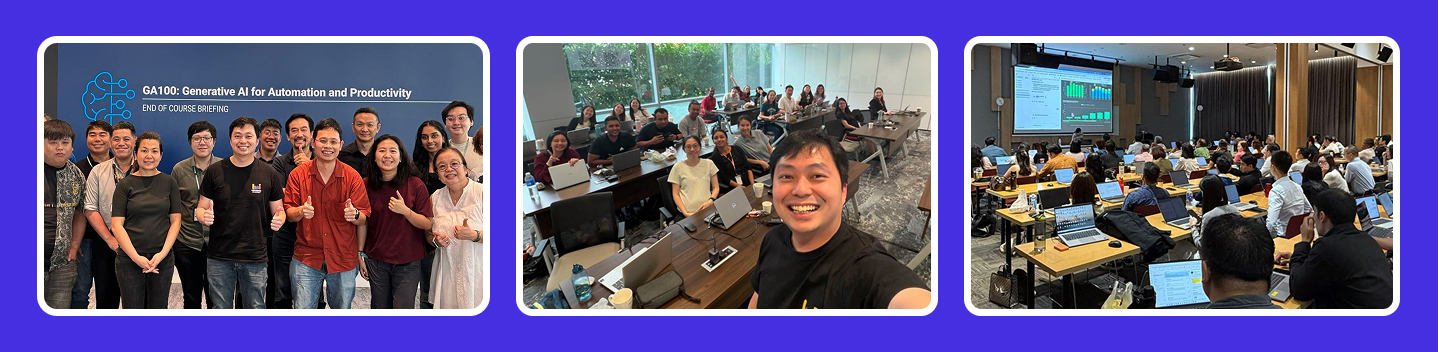
You can read about each phase in the Sembcorp Industries foundation workshop case study, the second-run case study and the leadership workshop case study. More examples across finance, the public sector and other industries are on our corporate case studies page.
Funding Your Training Plan
Some employers may be able to offset part of their workforce training costs through government support, subject to eligibility. Our guides to the SkillsFuture Enterprise Credit and the Enterprise Workforce Transformation Package explain the schemes available and how they work.
A Simple AI Training Plan Template
Use this template to summarise your plan on one page for leadership:
| Item | What to decide | Example |
|---|---|---|
| Goal | What should change after training | Faster first drafts for monthly reports |
| Teams in scope | Who goes first | Finance and HR |
| Target skill level | Aware, literate or fluent | Literate for all; fluent for two champions |
| Priority workflows | Two or three tasks per team | Variance commentary; job descriptions |
| Guardrails | Tools and data rules | Approved tools only; no personal data |
| Format | How training is delivered | Structured course plus monthly champion sessions |
| Measures | How you’ll track progress | Weekly usage, task time, error rate |
| Review dates | When you’ll check results | 30, 60 and 90 days after training |
Frequently Asked Questions About Planning AI Training
How do I start planning AI training for my team?
Start by surveying how your team already uses AI, then pick two or three workflows per team where AI could help. From there, decide which skill level each role needs and choose a training format that fits.
Who should be trained first?
Start with teams that have clear, repetitive workflows and managers who support the change. Some organisations begin with management so leaders can champion adoption. Others train a broad group of staff at once. Either way, early success in one or two groups builds momentum and gives you internal examples to share.
Should everyone be trained on the same AI tool?
Not necessarily. Core skills such as prompting and checking outputs apply across tools. Training should still focus on the tools your organisation has approved, so staff can apply what they learn straight away.
Do non-technical staff need coding skills to use AI at work?
No. Most everyday AI use, such as drafting, summarising and analysing information, needs no coding. Coding becomes useful only for more advanced automation.
How long does it take for staff to get comfortable with AI?
It varies by person, role and how often they practise. Regular use on real tasks after training matters more than the length of the course itself.
How do I measure the impact of AI training?
Track a few indicators before and after training: weekly usage of approved tools, time spent on selected tasks, error rates and staff confidence. Review them at 30, 60 and 90 days.
Start Small, Then Scale
You don’t need a company-wide programme on day one. Start with a few teams, a few workflows and clear guardrails, then use what you learn to expand.
A structured plan also makes it easier to find the right training partner, because you’ll know exactly what you need. Heicoders Academy’s corporate training is designed for organisations in Singapore that want to build practical AI skills across business teams, with more than 20,000 professionals trained across more than 300 organisations. Explore corporate AI training with Heicoders Academy to build a programme around your team’s real workflows.
Information in this article on the SkillsFuture Workforce Development Grant, including WDG(JR+), and the SkillsFuture Enterprise Credit (SFEC) is for general reference only. These schemes are administered by SWDA, and funding is subject to eligibility, approval, and prevailing terms, which may change. Heicoders Academy does not determine eligibility or approve funding. Please visit the official SWDA website at https://www.swda.gov.sg/ to check the latest information before you apply.
Sources
- IMDA, Singapore Digital Economy Report (2026)
- ManpowerGroup, 2026 Global Talent Shortage Survey (February 2026)
- MySkillsFuture, AI readiness self-assessment